
Quickstart
Create an account at app.tern.sh, sign into GitHub, and install the Tern GitHub app on the repos you want to work with. One GitHub org per Tern account.
That’s it. Pick your repos, create a migration, and start planning. No local install required.
Local Mode (Enterprise)
For teams that can’t send code off-machine, Tern supports a local CLI mode. The agent runs on your infrastructure, your code stays local, and you bring your own LLM API keys.
Install the CLI:
curl -fsSL https://tern.sh/install.sh | bash
tern connect
After getting you signed in, you’ll see something like this:
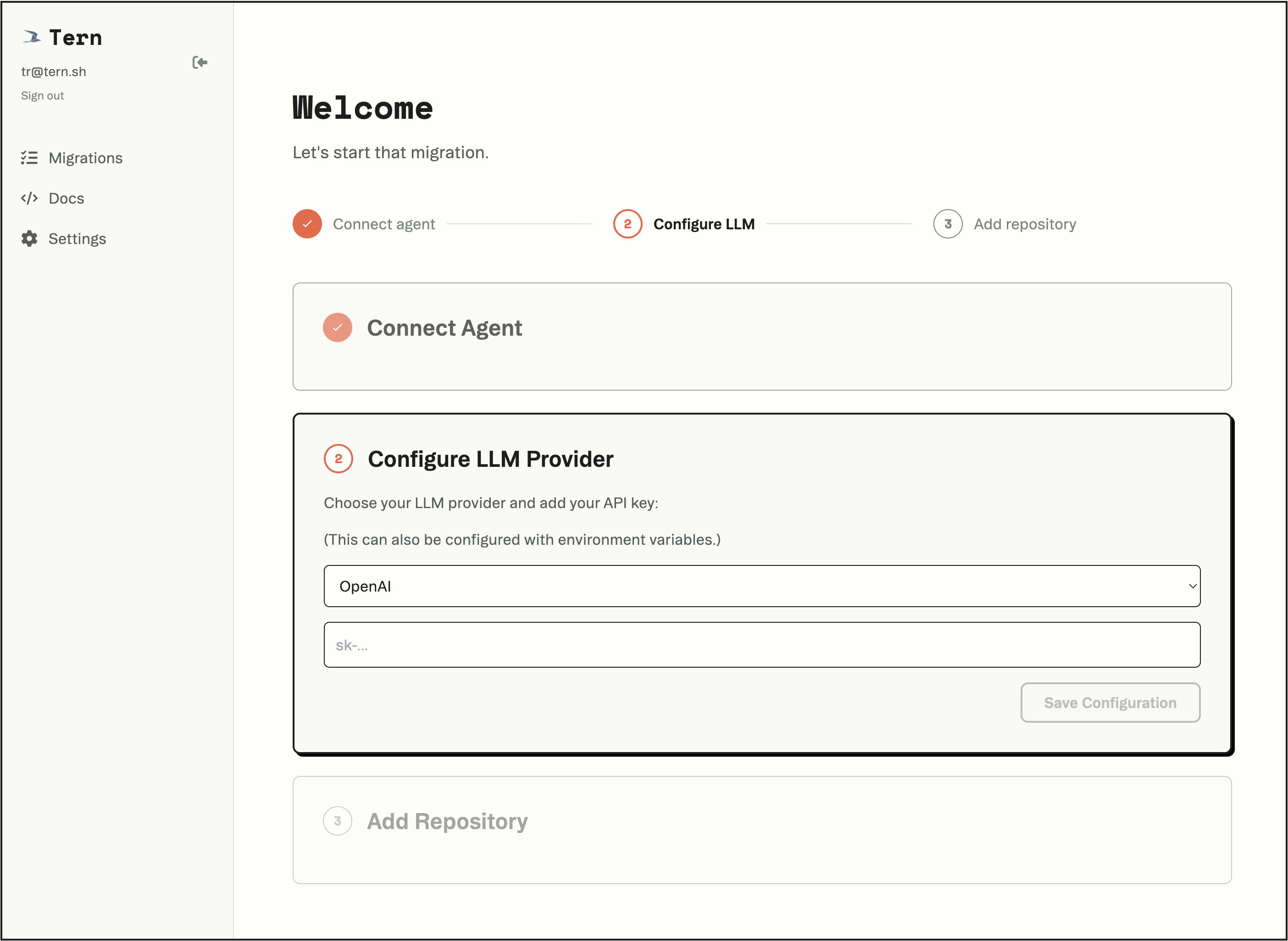
From here, you’ll:
- Confirm the agent connection (the app pings your local agent).
- Paste an API key for Anthropic, OpenAI, or Gemini.
- Verify repo access.
(Didn’t run tern connect from a repo? Want to work with multiple repos?
Run tern repo add /path/to/repo at any time.)
Running in Docker
If you’re running Tern CLI in a Docker container, there are a few requirements:
-
Port forwarding: Your browser must be able to reach localhost:1457 (or whatever port you configure). Forward this port from your container:
docker run -p 1457:1457 ... -
Root CA certificates: Tern CLI must be able to reach app.tern.sh. Minimal base images (like
ubuntu:latestorscratch) may not include the necessary root CA certificates to establish secure connections. Language images likenode:22typically include proper CA bundles.
Here’s a minimal working Dockerfile:
FROM node:22

RUN curl -fsSL https://tern.sh/install.sh | bash
ENV PATH="/root/.tern/bin:$PATH"

EXPOSE 1457

ENTRYPOINT ["tern"]
CMD ["connect"]
Build the image:
docker build -t tern .Run the container with persistence:
docker run --rm \
  -p 1457:1457 \
  -v ~/.tern-docker/:/root/.tern/ \
  tern
We recommend using ~/.tern-docker (not ~/.tern) to avoid conflicts between host and container binaries. Tern downloads architecture-specific tools that won’t work across macOS/Linux boundaries.